
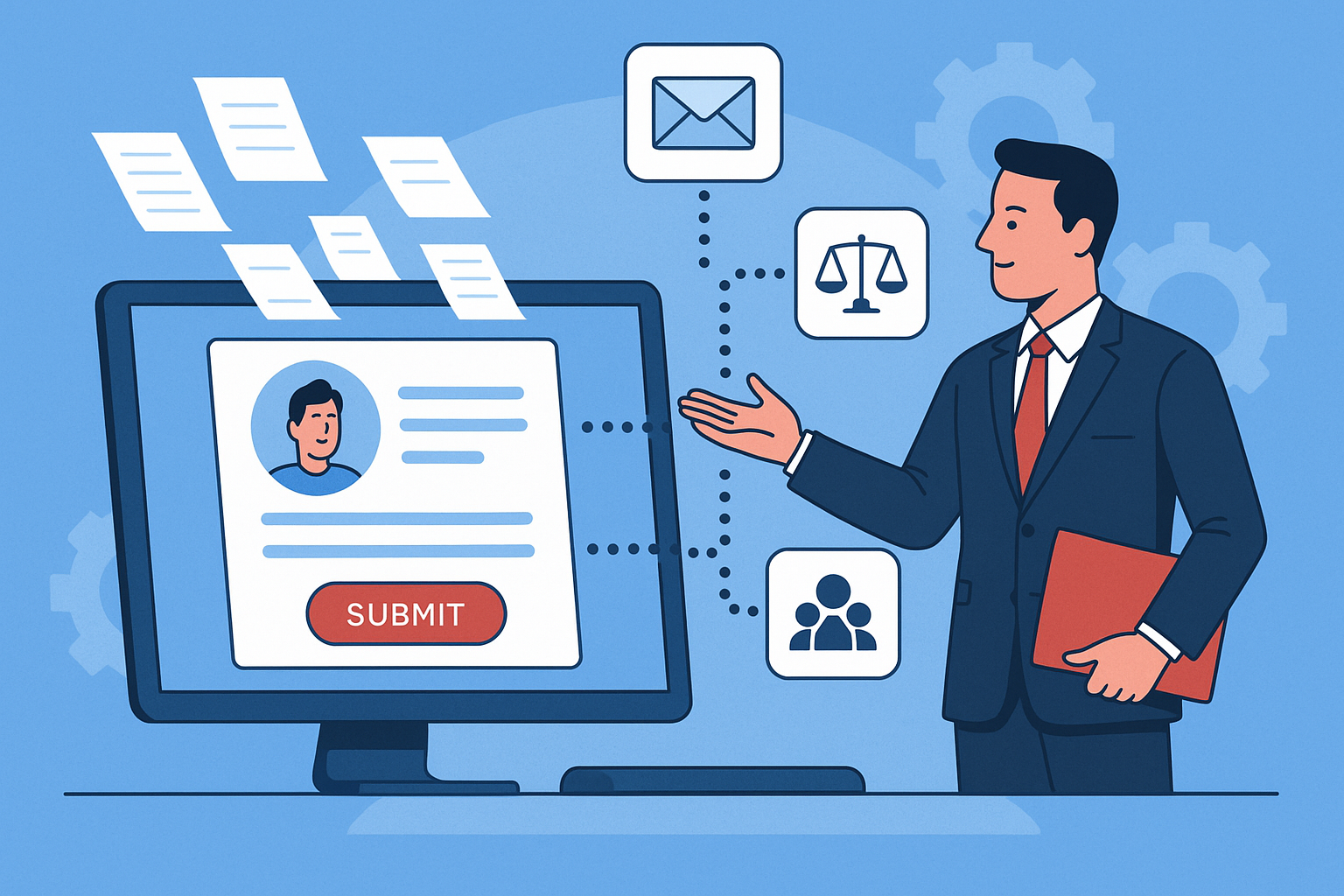
Client intake automation can streamline operations and reduce administrative burden in a modern law firm. But as more firms adopt tools to digitize their intake process, the risk of alienating clients with impersonal systems becomes real. The key is not just using automation, but using it thoughtfully, so clients still feel heard, understood, and valued.
Why Law Firms Are Automating Client Intake
Manual client intake involves a significant investment of time, often requiring repeated follow-ups, handwritten notes, and fragmented processes. Automation can:
- Reduce data entry errors
- Improve response times and availability
- Centralize client information in a CRM
- Free up your team to focus on legal work
But while these benefits are clear, they often come at the cost of warmth and engagement if not handled properly.
Maintaining a Personal Connection in an Automated Workflow
Automating client intake doesn’t mean replacing human interaction. Instead, it means building systems that support your team while reinforcing personal connection. Here’s how to do it right:
Use Smart Forms That Guide the Conversation
Replace PDF forms with intelligent, conditional intake forms that adapt based on the client’s answers. This approach not only improves data quality but gives clients a sense that they are being heard, even before speaking to someone directly.
Automate the First Response — But Make It Warm
Every inquiry should receive an immediate, personalized confirmation. Use the client’s name, mention their issue category, and set expectations for follow-up. For example:
“Thanks, Alex. We received your inquiry about your recent tenant dispute. A member of our team will reach out within 24 hours to learn more.”
Schedule a Call Without Friction
Rather than multiple email exchanges, offer a self-booking link integrated with your calendar. Keep time slots short (15–30 minutes) and follow up with a confirmation email that feels human, not robotic.
Use Intake Software That Integrates With Your CRM
Tools like Clio Grow, Lawmatics, and PracticePanther allow you to build automated workflows without losing sight of the personal touch. They also let your staff jump into a call fully briefed with context from the intake responses, creating a seamless transition from automation to conversation.
What to Avoid in Your Client Intake Automation
Some mistakes can make automation feel cold or frustrating. Avoid:
- Overly generic messages with no personalization
- Forcing clients to fill out long, rigid forms before speaking to someone
- Delays between automation and human response
- No clear contact method if they need help
Humanizing Touchpoints Throughout the Process
Remember that automation is a support system, not a replacement. Consider inserting human interactions at these moments:
- A short welcome video embedded after form submission
- Personalized check-in email 1–2 days after initial inquiry
- Sending a hand-signed onboarding document with next steps
Client Intake Automation That Builds Trust
When done well, automating your client intake process can enhance your firm’s reputation for responsiveness and professionalism. The right systems reduce friction for your clients while still making them feel like they’re entering into a relationship.
By combining efficiency with empathy, you’ll gain not just more clients, but better long-term relationships that start with the right impression.